
Manual file transfer
- 1Download a script file
- 2Open Zen Studio Live
- 3Add the script
Build your script in Tunez, choose it in Companion and click Flash to Zen Studio Live. No downloads, imports or copying code.
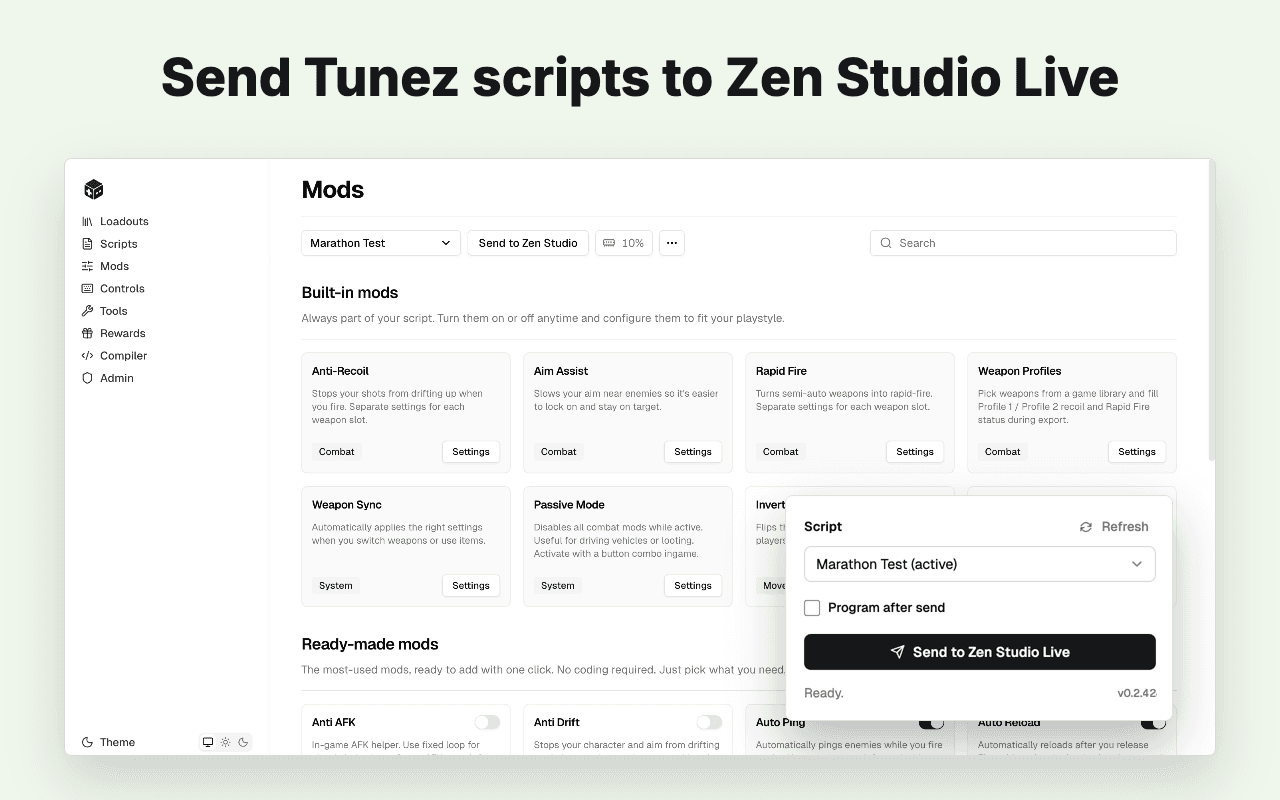
Moving a script file into Zen Studio Live takes extra steps. With Companion, you can flash a script saved in Tunez directly.
Go from a saved script to playing without moving files between apps.
Create your script in Tunez, connect your Zen in Zen Studio Live, then flash your saved setup.
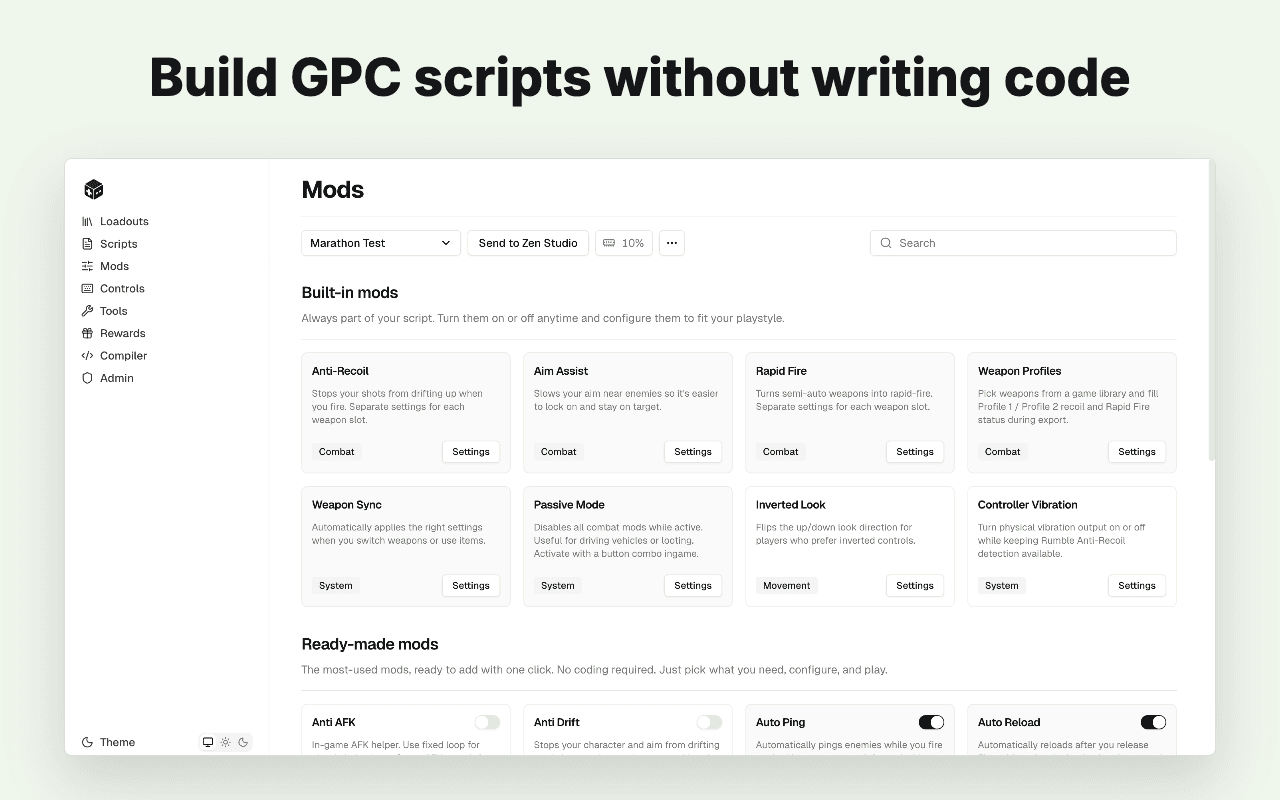
Choose your weapons, mods and controls, then save the complete script in Tunez.
Open Zen Studio Live and make sure your Zen is connected.
Your script is ready on the connected Zen without a file transfer.
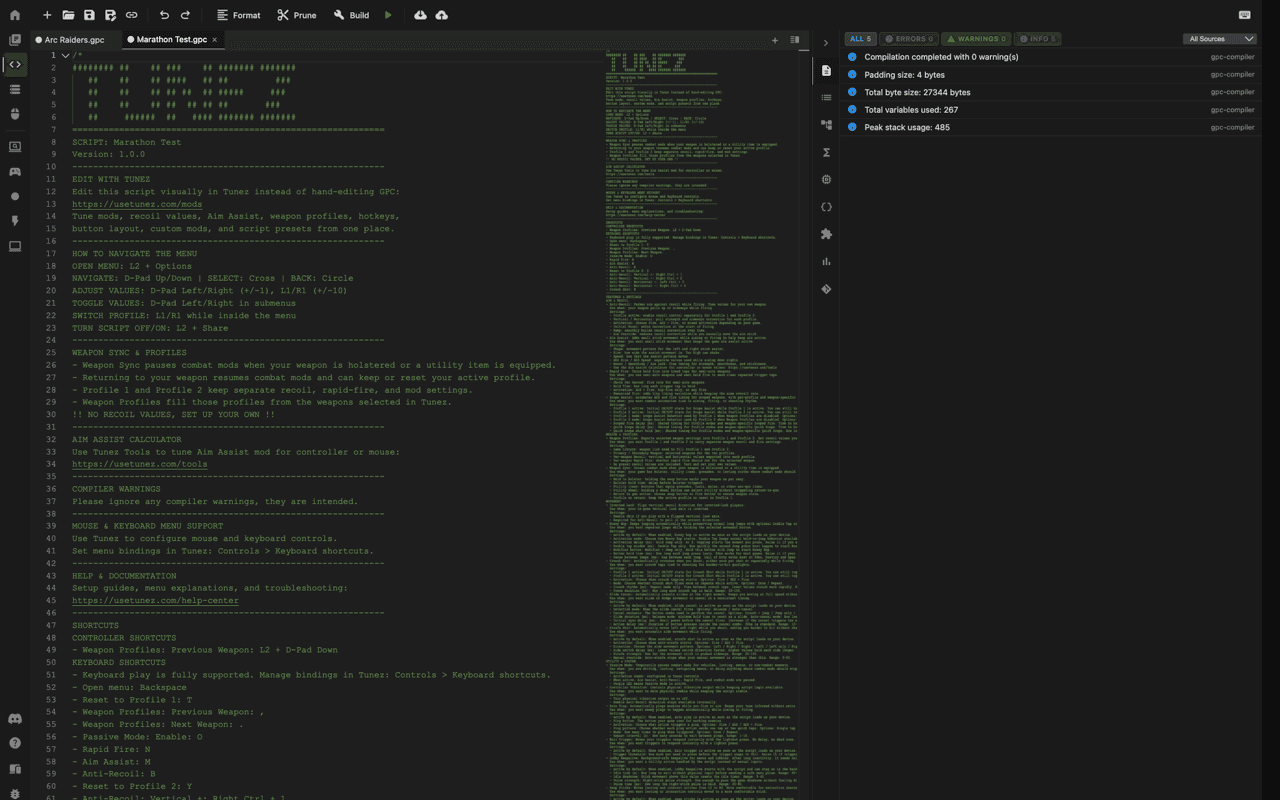
Adjust a weapon, mod or control in Tunez, then flash the updated script again. No need to download and import a new file.
Keep refining the saved script until the setup feels right.
Already have a script file from somewhere else?
Read how to add scripts to Cronus ZenStraight answers about Tunez Companion and Zen Studio Live.
Build it in Tunez, choose it in Companion and flash it to your connected Zen.